Zendesk Setup Checklist: What to Prepare Before Going Live

DEMETER ICT Ā· Zendesk Launch Guide Ā· EP1 Zendesk Setup Checklist: What to Prepare Before Going Live A practical guide to the decisions behind your Zendesk setup, from brands and support channels to ticket ownership, knowledge and launch testing. You have purchased Zendesk, added your agents and connected an email address. Are you ready to launch? You may be ready to receive requests. But before the team starts relying on the system, you also need to know who owns each case, what happens outside business hours, how work moves between teams and how supervisors spot requests that need attention....

Continue reading
Shopee vs Lazada vs TikTok Shop: Who’s Winning in Southeast Asia? (2026 Update)

DEMETER ICT Ā· E-COMMERCE INSIGHTS Shopee vs Lazada vs TikTok Shop: Who’s Winning in Southeast Asia? ShopeeLazadaTikTok Shop Three platforms. Different routes to customers. Here is how to evaluate the right fit for your brand—and prepare your service team for the orders that follow. Platform breakdownComparison tableCustomer operations Shopee, Lazada and TikTok Shop offer different routes to customers in Southeast Asia. The right choice for your brand depends on where demand comes from, how you sell, and whether your operation can support the orders that follow. For an e-commerce team, the decision goes beyond choosing the platform with the...

Continue reading

CXBOX HUB: Extend Zendesk with WhatsApp, LINE and Social Campaigns

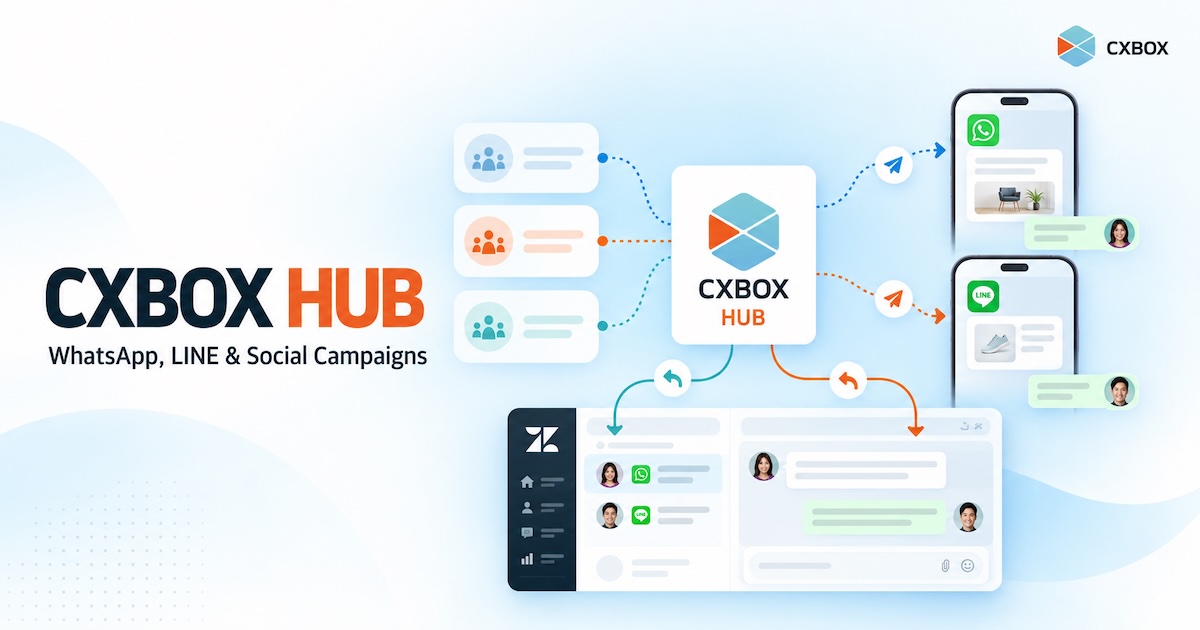
Your customer asked a question on WhatsApp last month. Today, you want to invite the right customers to a relevant offer on WhatsApp or LINE. If the message starts a conversation, your team needs a way to handle the reply. How do you connect those steps? Quick answer: CXBOX HUB extends a Zendesk-based service operation with audience segmentation, personalized outbound campaigns across connected social messaging channels, campaign insights and conversation routing. Zendesk remains the workspace for service conversations. The exact channels and workflows available depend on your Zendesk setup, CXBOX HUB plan and channel configuration. Zendesk helps teams manage...

Continue reading

Zendesk Outbound Messaging: What’s Native and What Requires an Extension

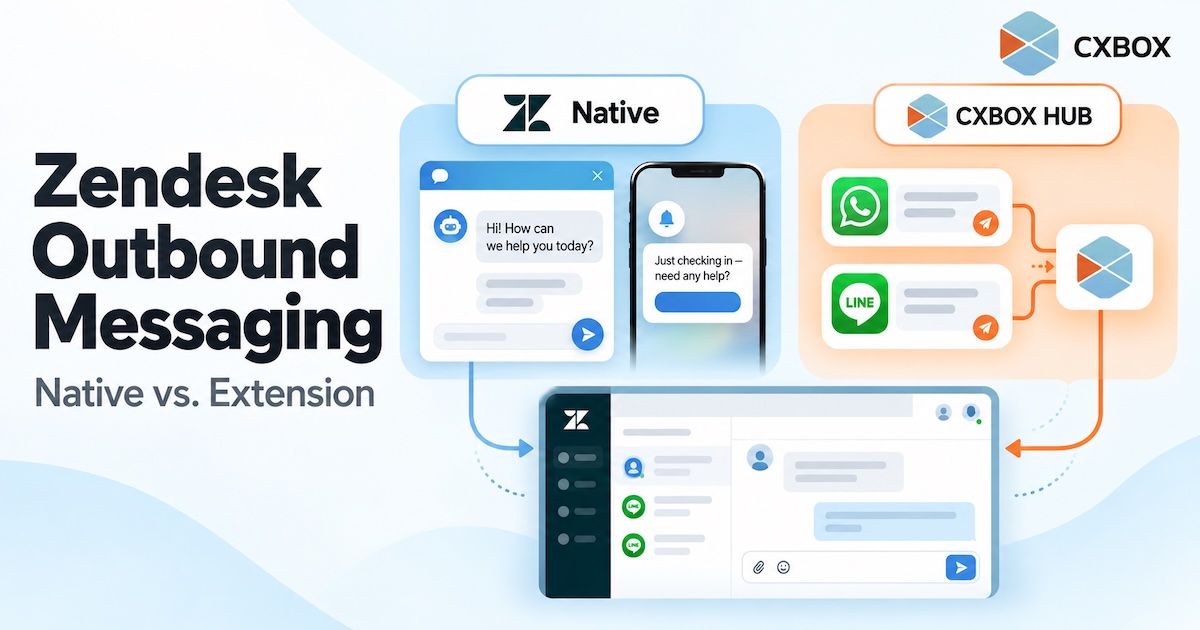
ā€œCan Zendesk send outbound messages?ā€ The honest answer is yes—but the answer changes with the channel, the number of recipients, and the workflow you want to run. Quick answer: Zendesk has native proactive messages for its Web Widget and mobile SDK, and its messaging platform offers APIs for certain outbound use cases. It can also send ticket-related notifications. A marketer-friendly campaign workflow for segmented, multi-channel messaging is a separate requirement: it may call for an app, an integration or custom development. Zendesk’s own Marketplace includes options such as Relay by Zendesk Labs and CXBOX HUB. A website prompt shown...

Continue reading

How to Run Proactive Outbound Campaigns from Zendesk

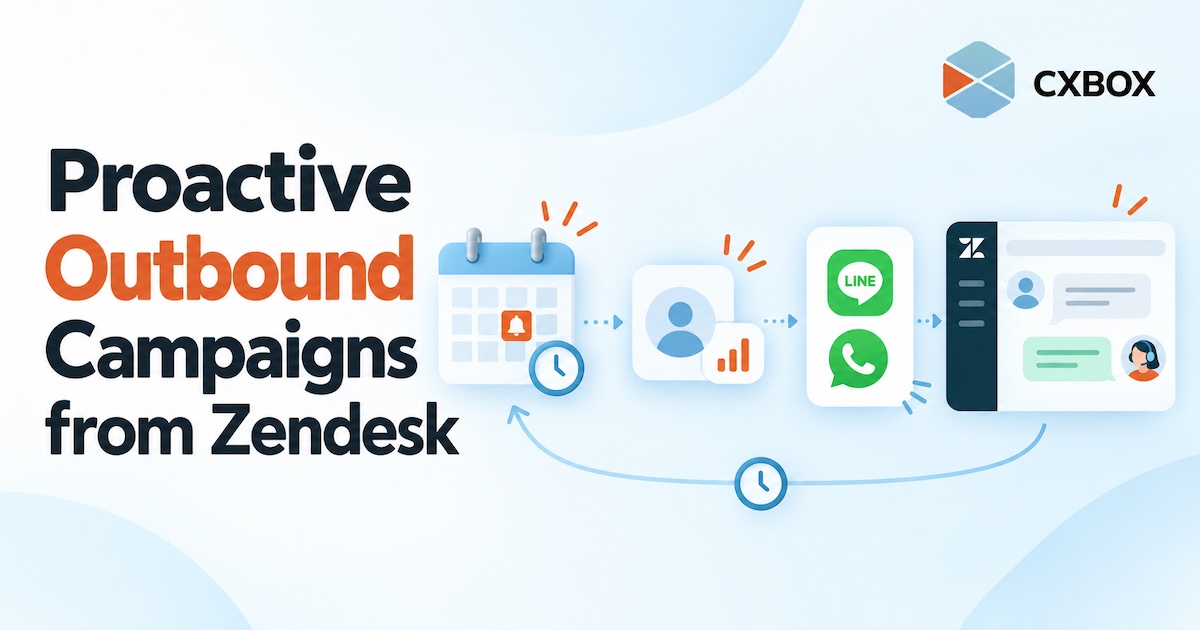
Most customer communication begins when someone asks for help. But some of the most useful conversations can start earlier: before a policy expires, before an appointment is missed, or after a customer stops using a service. Quick answer: Use CXBOX HUB alongside Zendesk to define an eligible customer group, choose the right moment and channel, create an outbound campaign or journey, and plan how customer replies will reach your team. CXBOX HUB manages the proactive outreach; Zendesk supports the connected service conversation. Proactive outreach is not simply a larger broadcast list. It is a message sent because something relevant...

Continue reading

How to Send LINE Broadcast Campaigns from Zendesk

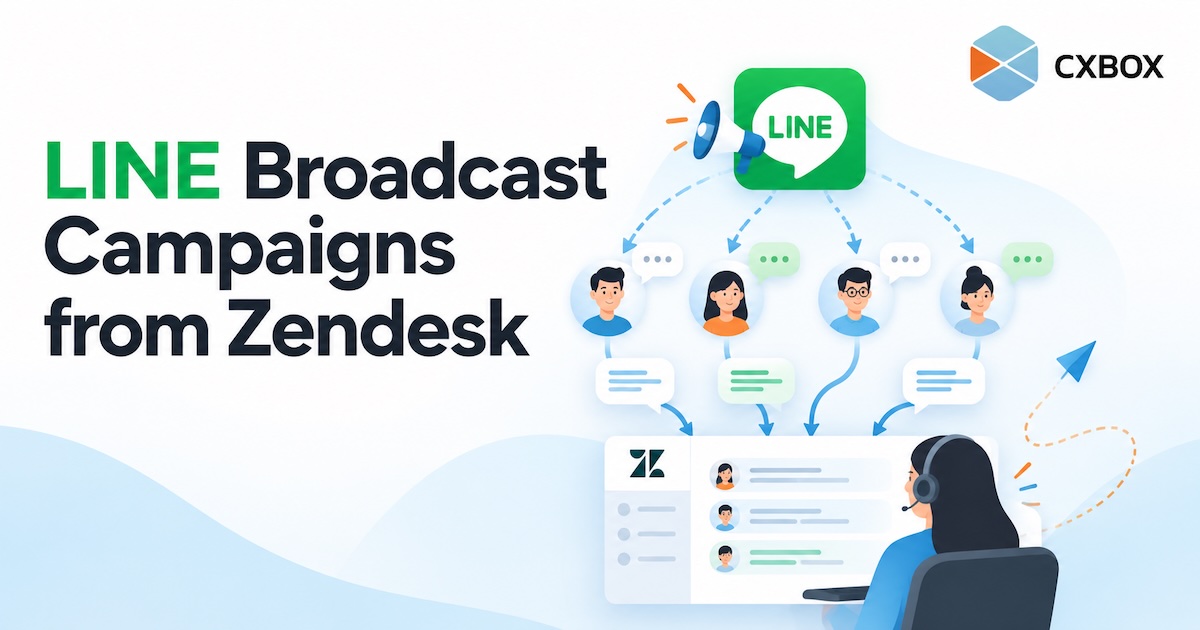
Your customers follow your LINE Official Account. Your team handles service in Zendesk. When you want to reach a selected group and respond to the conversations that follow, how do you connect the two? Quick answer: Connect your LINE Official Account and Zendesk to CXBOX HUB, create an eligible audience, build a LINE campaign in CXBOX HUB, and send it after checking your message and channel limits. Customer replies can then be handled through your configured Zendesk workflow. The campaign is managed in CXBOX HUB; Zendesk is the service workspace. LINE makes it easy to reach people where they...

Continue reading

How to Send WhatsApp Broadcasts from Zendesk

How to Send WhatsApp Broadcasts from Zendesk with CXBOX HUB CXBOX HUB Ā· WhatsApp campaigns How to Send WhatsApp Broadcasts from Zendesk Your customer conversations live in Zendesk. Your next WhatsApp campaign should connect to them, too. Here is how CXBOX HUB helps you reach a selected audience and handle the replies. Quick answer: Connect your WhatsApp Business channel and Zendesk to CXBOX HUB. Build or import an eligible audience, prepare an approved WhatsApp message template, create and send the campaign in CXBOX HUB, then manage incoming customer replies through the connected Zendesk workflow. The broadcast is created in...

Continue reading
Zendesk AI Copilot CX

Zendesk AI Copilot: Transforming Agent Productivity and Customer Experience

The Daily Pain Points of Customer Service Teams Customer service teams operate under constant pressure. High ticket volumes, repetitive inquiries, long handling times, inconsistent responses, and seasonal spikes all strain agents and management alike. Agents often spend more time searching for information, reading long ticket histories, and writing summaries than actually solving customer problems. Over time, this leads to agent burnout, rising operational costs, and declining customer satisfaction. How Zendesk AI Copilot Supports Agents in Real Operations Zendesk AI Copilot is designed to work alongside agents, directly inside the Zendesk workspace. Instead of replacing human judgment, it augments agents...

Continue reading