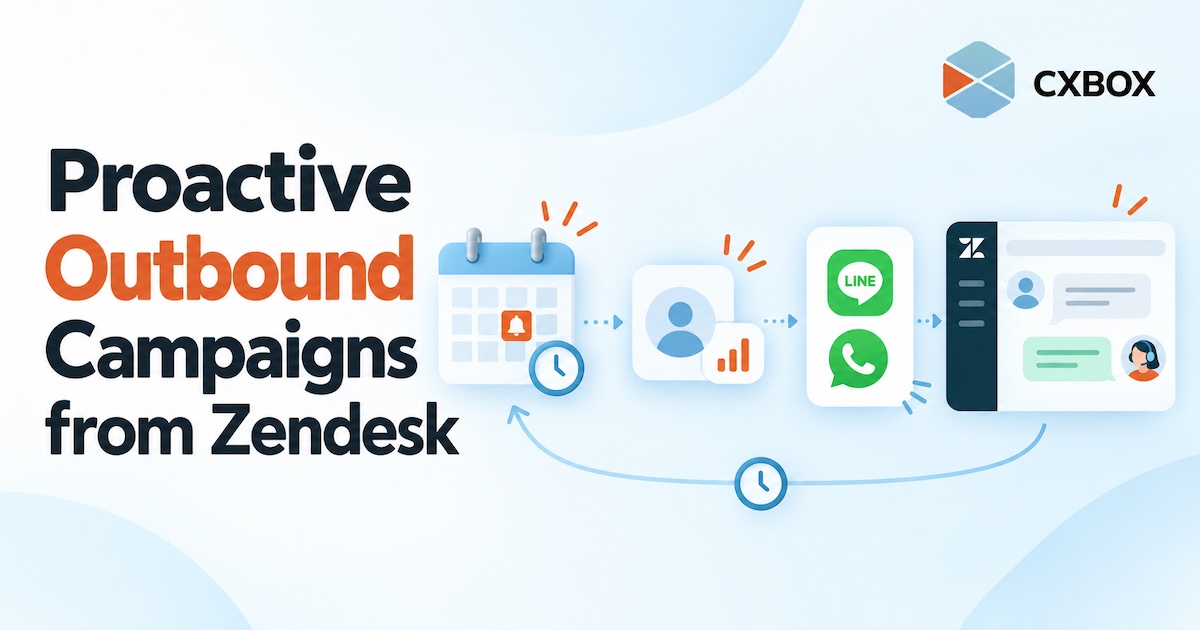
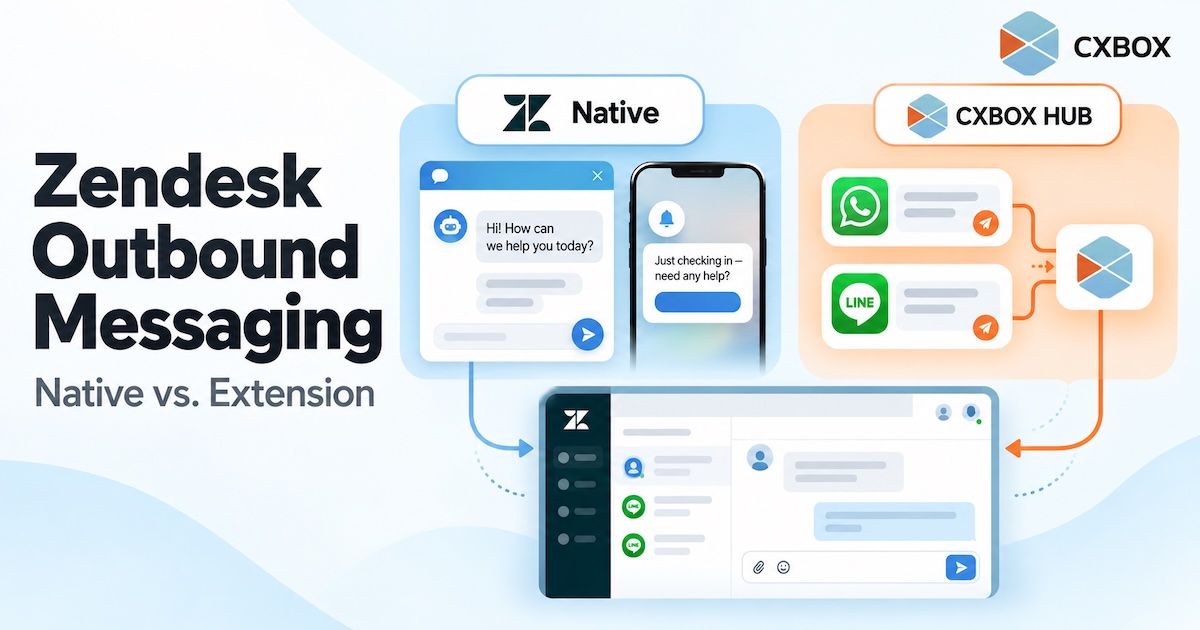
āCan Zendesk send outbound messages?ā The honest answer is yesābut the answer changes with the channel, the number of recipients, and the workflow you want to run. Quick answer: Zendesk has native proactive messages for its Web Widget and mobile SDK, and its messaging platform offers APIs for certain outbound use cases. It can also send ticket-related notifications. A marketer-friendly campaign workflow for segmented, multi-channel messaging is a separate requirement: it may call for an app, an integration or custom development. Zendeskās own Marketplace includes options such as Relay by Zendesk Labs and CXBOX HUB. A website prompt shown...
Continue readingHow to Run Proactive Outbound Campaigns from Zendesk
Most customer communication begins when someone asks for help. But some of the most useful conversations can start earlier: before a policy expires, before an appointment is missed, or after a customer stops using a service. Quick answer: Use CXBOX HUB alongside Zendesk to define an eligible customer group, choose the right moment and channel, create an outbound campaign or journey, and plan how customer replies will reach your team. CXBOX HUB manages the proactive outreach; Zendesk supports the connected service conversation. Proactive outreach is not simply a larger broadcast list. It is a message sent because something relevant...
Continue readingHow to Send LINE Broadcast Campaigns from Zendesk
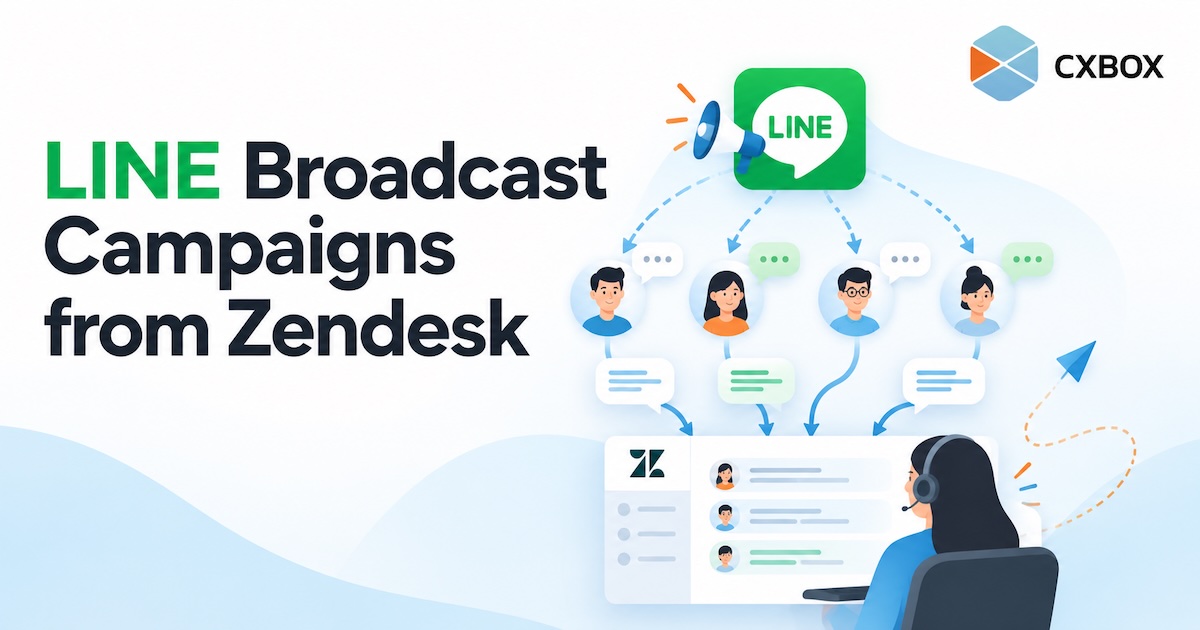
Your customers follow your LINE Official Account. Your team handles service in Zendesk. When you want to reach a selected group and respond to the conversations that follow, how do you connect the two? Quick answer: Connect your LINE Official Account and Zendesk to CXBOX HUB, create an eligible audience, build a LINE campaign in CXBOX HUB, and send it after checking your message and channel limits. Customer replies can then be handled through your configured Zendesk workflow. The campaign is managed in CXBOX HUB; Zendesk is the service workspace. LINE makes it easy to reach people where they...
Continue readingHow to Send WhatsApp Broadcasts from Zendesk
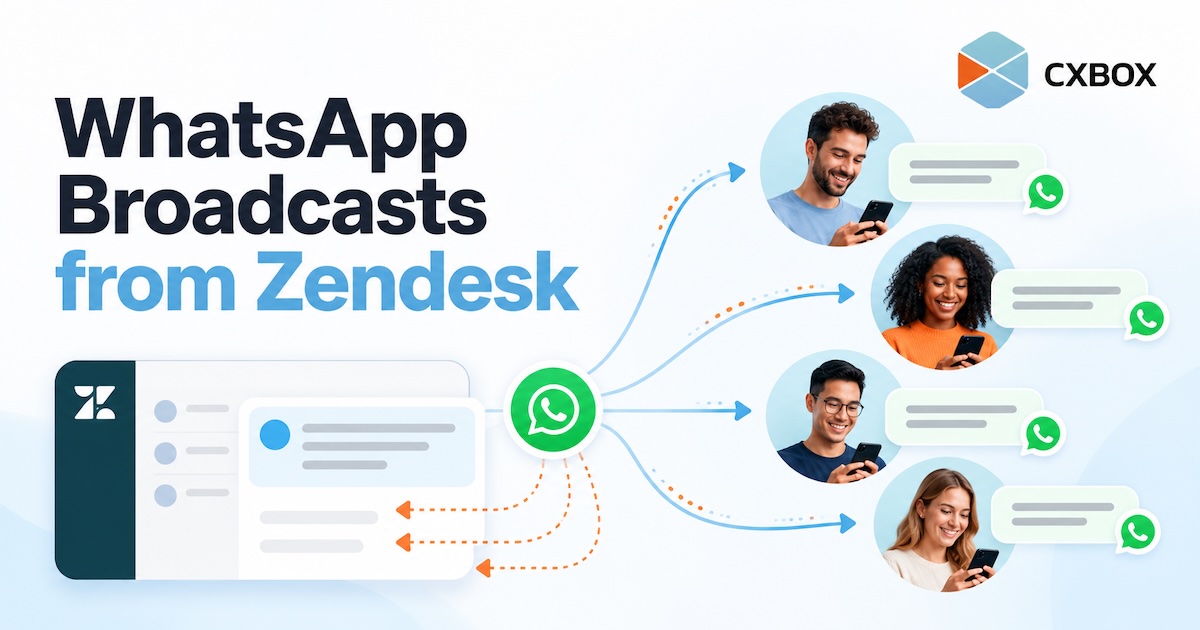
How to Send WhatsApp Broadcasts from Zendesk with CXBOX HUB CXBOX HUB Ā· WhatsApp campaigns How to Send WhatsApp Broadcasts from Zendesk Your customer conversations live in Zendesk. Your next WhatsApp campaign should connect to them, too. Here is how CXBOX HUB helps you reach a selected audience and handle the replies. Quick answer: Connect your WhatsApp Business channel and Zendesk to CXBOX HUB. Build or import an eligible audience, prepare an approved WhatsApp message template, create and send the campaign in CXBOX HUB, then manage incoming customer replies through the connected Zendesk workflow. The broadcast is created in...
Continue reading