

Free for Google Workspace users*
Free for Google Workspace users*
Free for Google Workspace users*
What is AppSheet?
AppSheet, offered by Google, is a no-code application development platform designed for organizations that want to quickly create apps or design workflows to solve internal operational problems.
AppSheet is highly cost-effective because you don’t need to pay high fees for off-the-shelf software or possess any coding skills. Anyone — whether from a small or large organization — can build applications according to their needs.
Explore your interests
What is AppSheet?
AppSheet, offered by Google, is a no-code application development platform designed for organizations that want to quickly create apps or design workflows to solve internal operational problems.
AppSheet is highly cost-effective because you don’t need to pay high fees for off-the-shelf software or possess any coding skills. Anyone — whether from a small or large organization — can build applications according to their needs.
No matter how many apps you need, you can create them all
—start building your app with us today!
AppSheet — the fastest way to build applications
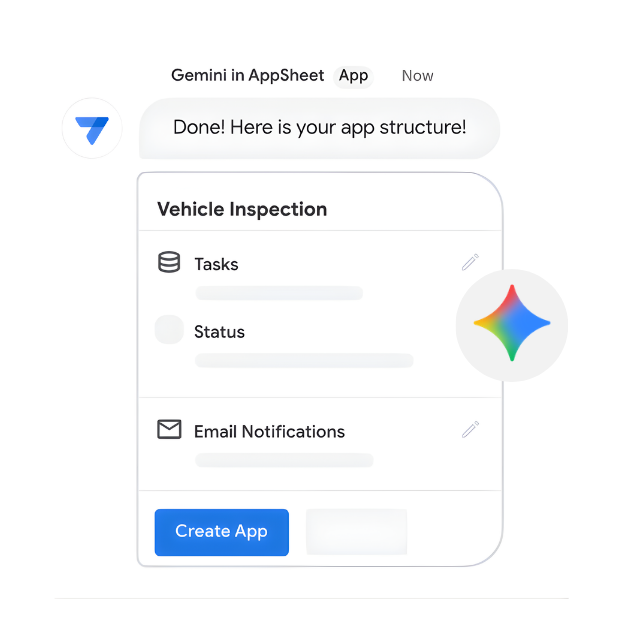
Build Apps with Gemini
- Accelerate development: From idea to app in minutes.
- AI-assisted creation: Describe your needs, let Gemini build.
- Smart user experience: Integrate AI for intuitive, intelligent apps.
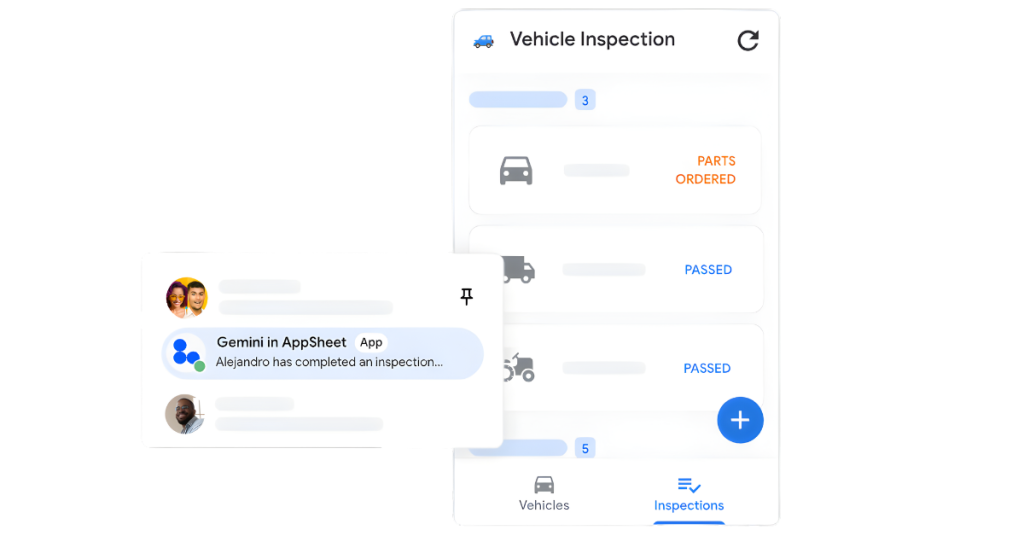
Customize Apps to Fit Your Style
- One-click publish to Google Chat
- Capture rich data (Forms, Barcodes, Signatures)
- Built-in database for secure storage
- Fully customize design and branding
- Smart Chip integration for Google Docs
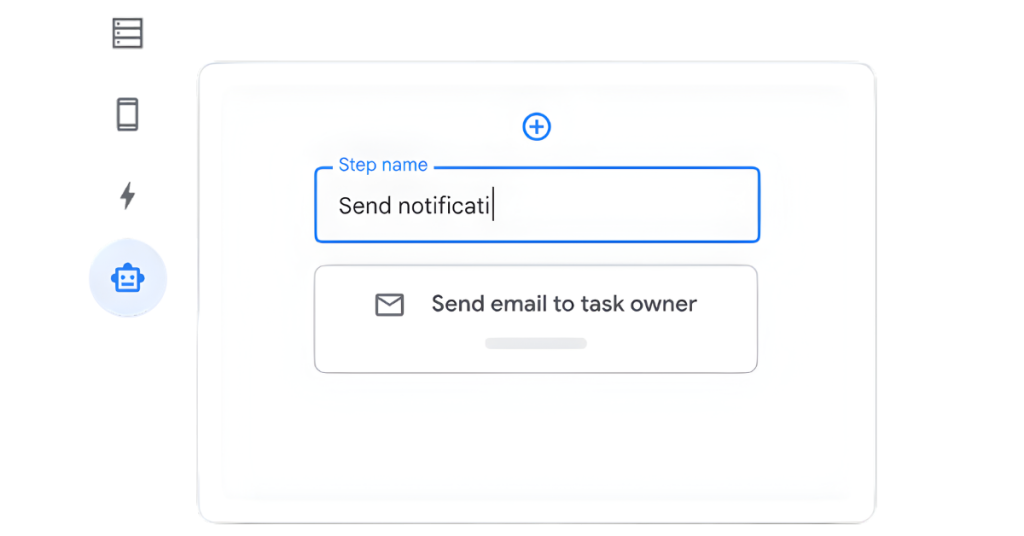
Work Faster with Automated Workflows
- Automated Multi-channel Alerts: Email, SMS, and Push notifications.
- Smart Workflow Logic: Custom triggers, conditions, and branching.
- Integrated AI & OCR: Intelligent document and data processing.
- Apps Script Connectivity: Trigger and process custom functions seamlessly.
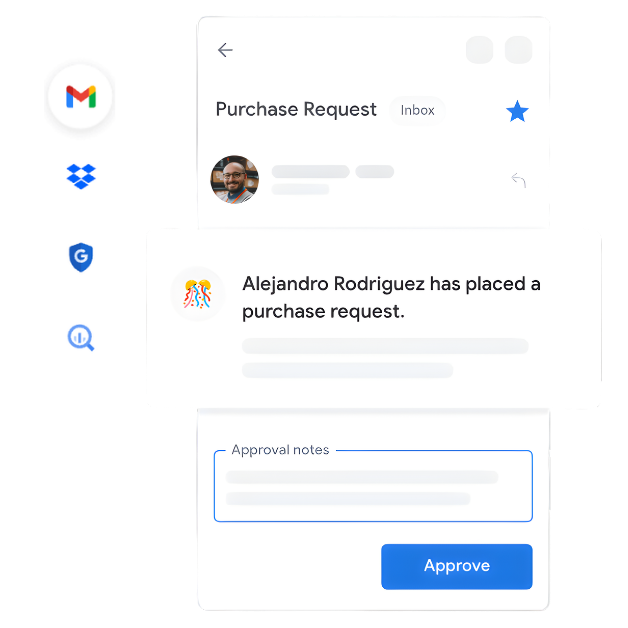
Your Data, All in One Spot
- Deep Google Integration: Gmail, Sheets, Apps Script, and Chat.
- Third-party Connectivity: Office 365, Dropbox, and Salesforce.
- Enterprise Data Bridges: BigQuery, SQL, REST APIs, and OData.
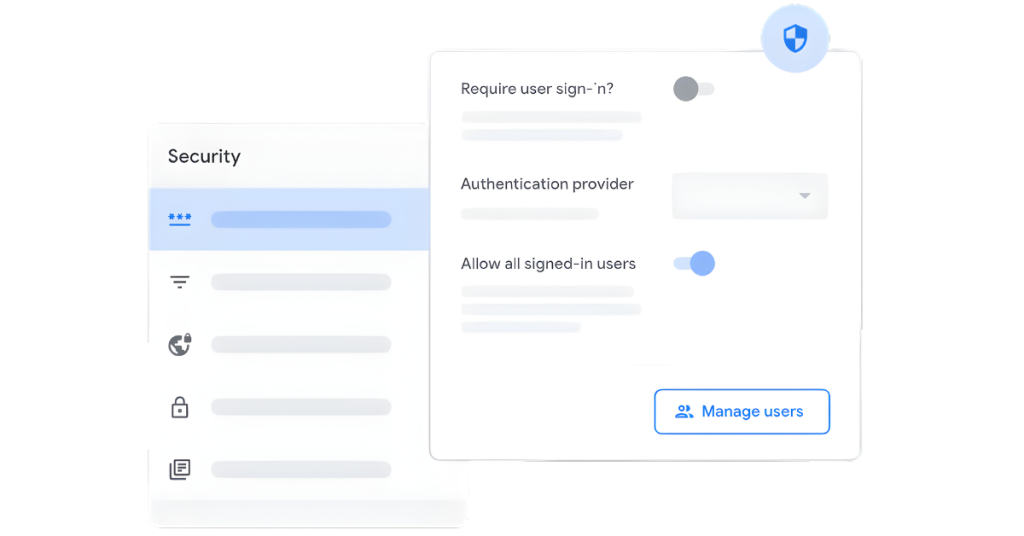
Secure System Governance
- Flexible Policies: Use pre-built governance or create your own.
- Team Management: Effortlessly manage teams across your organization.
- Guardrails & Visibility: Full oversight with a true no-code platform.
- Zero Trust Security: Built-in encryption and end-to-end verification.
- Full Data Control: You own and manage your data—always.

No-code platform — no programming required
Record data via forms, barcodes, locations, photos, and signatures
Send emails and notifications automatically
Seamlessly integrates with Google Workspace
Import data from Office 365, Dropbox, Salesforce, and more
Unlimited apps and industries supported
Build apps with Gemini
- Accelerate development: From idea to app in minutes.
- AI-assisted creation: Describe your needs, let Gemini build.
- Smart user experience: Integrate AI for intuitive, intelligent apps.
Customize apps to fit your style
- One-click publish to Google Chat
- Capture rich data (Forms, Barcodes, Signatures)
- Built-in database for secure storage
- Fully customize design and branding
- Smart Chip integration for Google Docs
Work faster with automated workflows
- Automated Multi-channel Alerts: Email, SMS, and Push notifications.
- Smart Workflow Logic: Custom triggers, conditions, and branching.
- Integrated AI & OCR: Intelligent document and data processing.
- Apps Script Connectivity: Trigger and process custom functions seamlessly.
Your Data, All in One Spot
- Deep Google Integration: Gmail, Sheets, Apps Script, and Chat.
- Third-party Connectivity: Office 365, Dropbox, and Salesforce.
- Enterprise Data Bridges: BigQuery, SQL, REST APIs, and OData.
Secure System Governance
- Flexible Policies: Use pre-built governance or create your own.
- Team Management: Effortlessly manage teams across your organization.
- Guardrails & Visibility: Full oversight with a true no-code platform.
- Zero Trust Security: Built-in encryption and end-to-end verification.
- Full Data Control: You own and manage your data—always.
AppSheet is the solution for every task
Design your own applications (Pattern/Customized Apps) to effectively solve organizational challenges.
no matter your team is…
HR
Sales & CRM
Inventory
Operations
Manufacturing
Logistic
Accounting
Other
HR
Sales & CRM
Inventory
Operations
Manufacturing
Logistic
Accounting
Other
Package & Pricing

(License / Year)
Core*
4,536 THB
Approx. 378 THB/month
*Free for all Google Workspace users
Enterprise Plus
9,072 THB
Approx. 756 THB/month
- Publish apps with Tables, Galleries, charts, maps, and dashboards
- Add branding, color themes, and localization
- Capture rich data using forms, checklists, locations, signatures, and photos
- Run apps offline with background sync
- Secure app sign-in via Google, MSFT, Dropbox, Box, etc.
- Manage app users individually and by domain
- Sensitive data management
- AppSheet databases: number of databases*
- AppSheet databases: number of rows per database*
- Automate email, SMS and push notifications
- Google Workspace connectors (Sheets, Forms, Drive, Calendar, Docs)
- Microsoft Excel connectors for Office 365, Dropbox, and Box
- Airtable and Smartsheet connectors
- Dynamic emails in Gmail
- PDF document generation
- Microsoft
- Salesforce.com
- Dropbox
- Box
- Barcode scanning and NFC
- Automate data changes and webhooks from app events or on a schedule
- Natural Language Smart Assistant
- Manage users by role
- Security filters
- Dynamic table update modes
- On-device encryption
- Domain integration (group-based sharing)*
- Optical Character Recognition
- Machine learning modeling
- Salesforce.com
- OpenAPI
- External services and REST API’s
- Apigee connector
- BigQuery connector
- Active Directory
- OpenID Connect
- Okta
- Cognito
- App lifecycle management
- Automated error reports
- User activity tracking
- Shared data sources
- Shared authentication sources
- Shared connectors
- Centralized billing and shared licenses
- OData
- Google AI (Doc AI)
- Resource allocation for performance*
- App Audit Logs
- App Version History
- Restrict who can create apps*
- Automated app creator reports and alerts*
- Export team audit logs to BigQuery*
- Transfer apps and databases between team members*
- Manage organization and team hierarchy*
- Team and organization governance policy enforcement*
Support
Remark:
- An annual contract is required for all packages.
- *Available for Enterprise Plus Package only
Core
*Free for all Google Workspace users-
Basic App and Automation Features
-
Standard Authentication Providers
-
Advanced App and Automation Features
-
Application Security Controls
-
Governance & Scale
-
Support from Demeter ICT
Enterprise Plus
-
Basic App and Automation Features
-
Standard Authentication Providers
-
Advanced App and Automation Features
-
Application Security Controls
-
Machine Learning
-
Advanced Data
-
Advanced Authentication
-
Advanced User and Data Management
-
Team Collaboration
-
Enterprise Data Services
-
Governance & Scale
-
Support from Demeter ICT
FAQs for AppSheet
Currently, AppSheet Core is included in all Google Workspace plans, allowing you to use it for free.
There are two types of users: signed-in users and guest/external users. AppSheet will count unique individuals that have signed in across all apps in your account as signed-in users. Users that are not signed in are counted as guest users. That means that if an employee opens an app that does not require sign in on two devices, AppSheet will count two guest users rather than one. Note that while guest users are typically counted by device, a new guest user could be generated anytime someone opens your app based on their device settings. You need to purchase the number of licenses equal to the total number of users (signed-in and guest/external) you plan to have.
AI-assisted app creation is available to AppSheet users with paid Google Workspace licenses. More details are available in the AppSheet Documentation.
Besides Google Sheets and Google Drive, AppSheet can also connect to Excel files, Cloud SQL, Apigee, Azure SQL, AWS, Salesforce objects, Smartsheet, OData, and many others.
The data storage location for AppSheet is freely determined by the channels you choose, such as Cloud Storage (like Google Sheets), Cloud SQL, or other databases.
However, in some cases, AppSheet temporarily stores data to improve and develop performance, and to support various functions such as the Audit Log. You can control these functions in the Application Configuration settings.
